
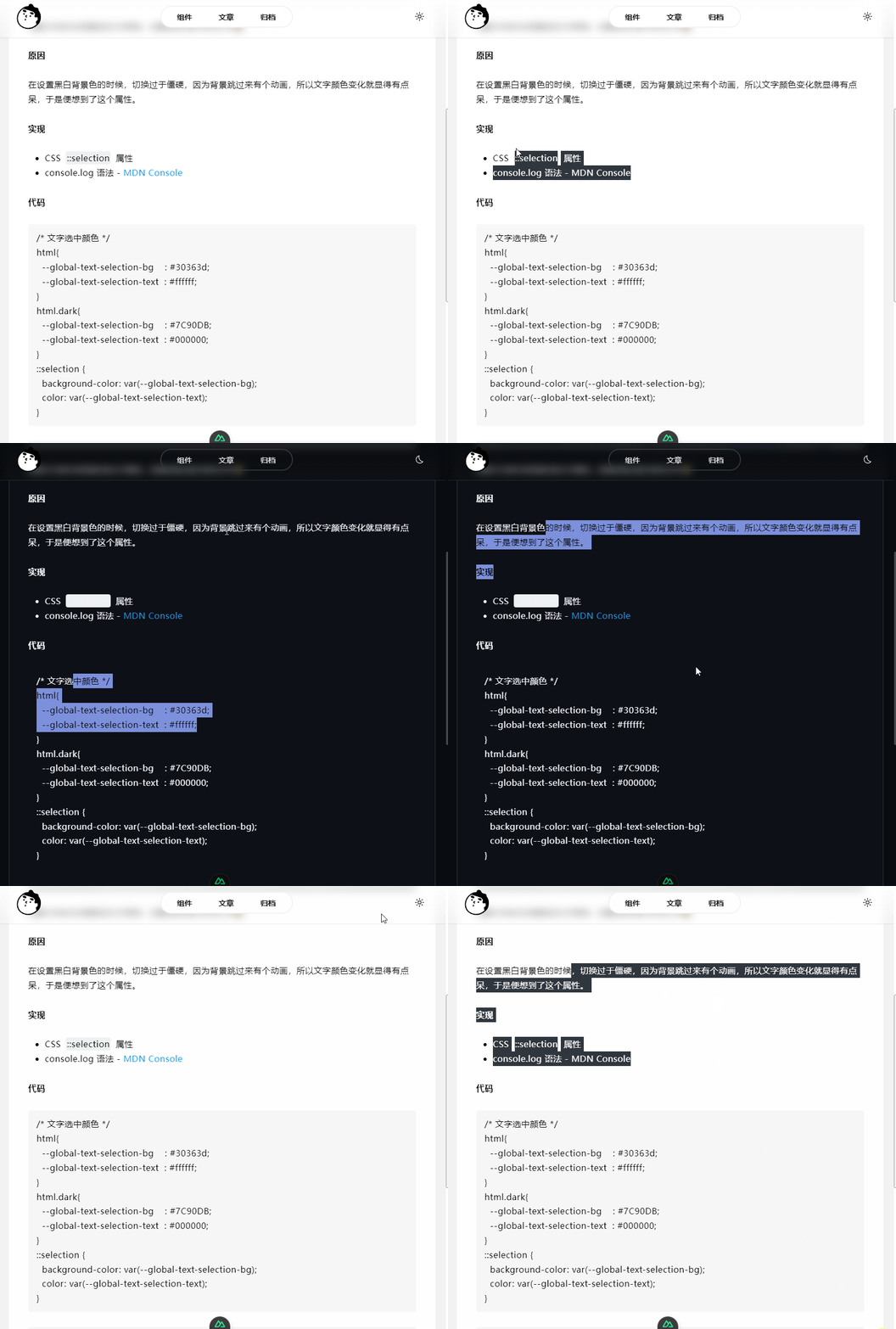
原因
给项目一点小改变,设置了文字选中的背景色和文字颜色,以及控制台显示彩色文字,让项目看起来更加舒服。
实现
- CSS
::selection属性 - console.log 语法 - MDN Console
代码
/* 文字选中颜色 */
html{
  --global-text-selection-bg    : #30363d;
  --global-text-selection-text  : #ffffff;
}
html.dark{
  --global-text-selection-bg    : #7C90DB;
  --global-text-selection-text  : #000000;
}
::selection {
  background-color: var(--global-text-selection-bg);
  color: var(--global-text-selection-text);
}
// 控制台显示文字颜色
const css = 'text-shadow: 1px 1px 2px black, 0 0 1em blue, 0 0 0.2em blue; font-size: 1rem;font-weight: 600;'
console.log('%cHello world', css)
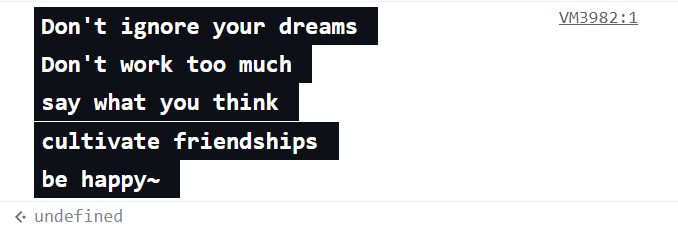
console.log('%cDon\'t ignore your dreams \nDon\'t work too much \nsay what you think \ncultivate friendships \nbe happy~ ', 'color: #ffffff; background-color: #0D1117; padding: 0.2rem 0.3rem;font-size: 1rem;font-weight: 600;')